Create a Wallet
Learn the key features and steps to set up and secure a EVM wallet

4 min.
To "Vote 4 the Host" you need an EVM (Ethereum Virtual Machine) wallet connected to the United Citizens portal. Creating a wallet is simple and free. Follow the instructions below on how to create an EVM Wallet and on the United Citizens portal on how to vote.
Choose a Wallet
MetaMask is the most popular and widely compatible option. It has a browser extension for Chrome, Firefox, Brave, and Edge, and a mobile app for iOS and Android. Rainbow and Coinbase Wallet are also good alternatives.
Installation
For a browser extension, go to your wallet's official website (e.g. metamask.io) and add the extension from your browser's store.
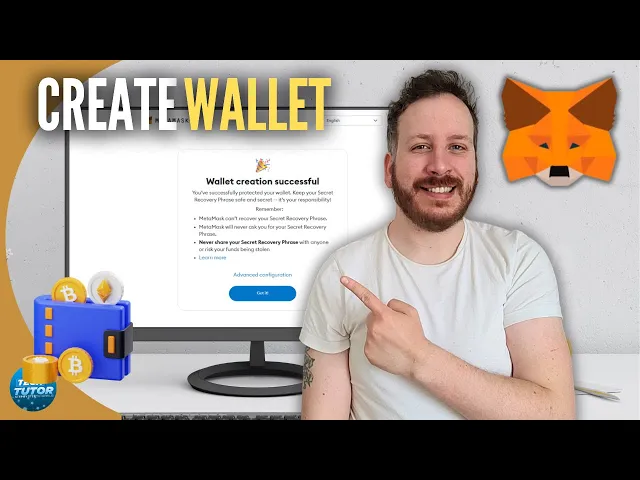
Here is a video explainer on how to create and install a MetaMask Wallet
Create your account
Open the app or extension and select "Create a new wallet." Accept the terms of service and set a strong password. This password encrypts your wallet locally on your device — it is not the key to the blockchain itself.
Secure your seed phrase
Your seed phrase (also called a recovery or mnemonic phrase) is the master key to your funds across all EVM networks. This is the most important step:
Write it down on paper.
Store it securely — for example, in a safe.
Never store it digitally. No screenshots, text files, or cloud. Anyone with your seed phrase can access and steal your assets.
The wallet will ask you to confirm a few words to make sure you recorded it correctly.
Start using your wallet
After confirming your seed phrase, your wallet is ready and connected to Ethereum main-net by default. Your wallet address (a string starting with 0x...) is what you use to connect to the United Citizens portal, vote, and interact with the entire WSA and IIA ecosystem.
Keep your seed phrase safe — you're now ready to become a United Citizen, vote and bring the International Academy home!